
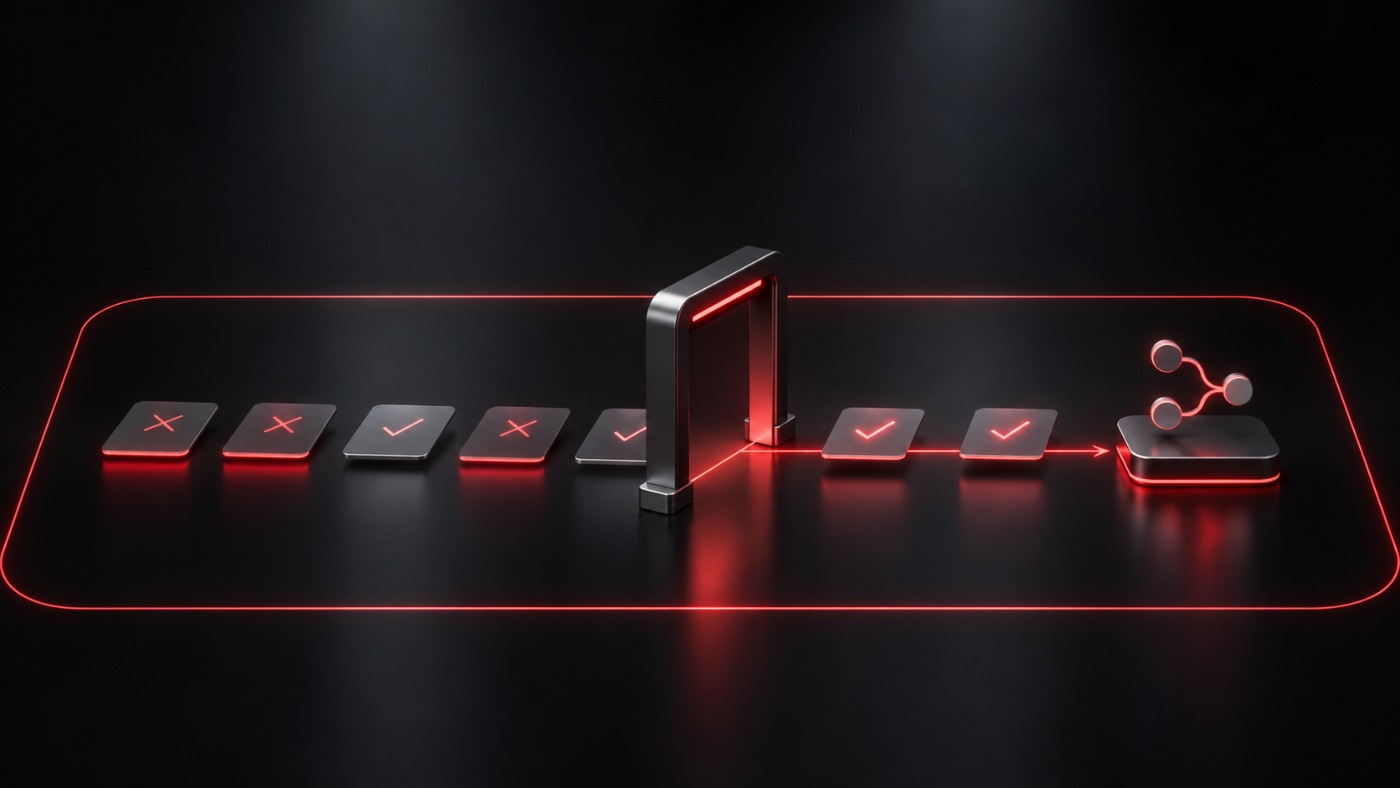
dsh-superagent is an open-source research prototype published by the DeepSeek organization: a proactive coding agent for one GitHub repository. Its documents say it acts on requests from allowed people or on rules a team writes, with unrequested work only recorded by default, and that it runs commands without approval as the operator's operating-system user, with wrappers that are defaults, not a security boundary. The maintainers call it research code, not an official DeepSeek product. We did not run it; this reads the README and four of its documents as of November 2, 2026.
dsh-superagent is an open-source research prototype published by the DeepSeek organization on GitHub. The maintainers describe it as "for reference only, not an official DeepSeek product", and say the public version is not identical to their internal one. We did not run it. This teardown reads the repository's README and four of its own documents (philosophy, authorization, execution and deployment) as of November 2, 2026; every statement about the software is the documentation's, and the questions at the end are ours. We picked it because its documents answer, in plain language, the two questions an operations buyer should ask of any agent that acts on its own: who can make it act, and what can it touch.
What is dsh-superagent?
According to the README, it is a proactive coding agent for one GitHub repository, packaged as a bundle for DeepSeek Harness. It listens to GitHub and, optionally, to Feishu. When someone allowed asks it for work, it opens a work item, works in its own agent session and directory, and answers in the original conversation, for example with a pull request. A web panel shows what needs a person. The repository is under the MIT license. The maintainers also say much of the engineering was done by coding agents, that the code may contain bugs, and that some designs in their design article are future directions and not implemented. The repository is named dsh-superagent-prototype, and GitHub redirects the older dsh-superagent address to it; the README title still reads dsh-superagent. When we read it, the public history was a single commit dated October 31, 2026 (6337fc8).
Who can make it act?
The authorization document says the host enforces allowed lists, rules and what it calls Mandates, and that messages, comments and quoted documents are inputs to a decision that cannot change those permissions. In practice, as documented:
| Who writes | What the documentation says happens |
|---|---|
| An allowed person who addresses the agent | An explicit request. It works in every mode. |
| An unlisted person | A new request is ignored by default. Work can start only where the operator has set an admission cell to explicit or inferred. Follow-ups on an existing ticket follow separate rules. |
| A bot on the source's bot list | Can produce an inferred candidate only, never an explicit request. Other bots are not admitted. |
| A listed person not addressing the agent | Treated as an inferred candidate: something the agent may assess, not act on by default. |
Unrequested work has three settings. In off, nothing inferred becomes a candidate. In observe, which the document gives as the default, inferred candidates are assessed and a positive result is recorded as "would accept", but nothing is accepted. In auto, a positive assessment is accepted. A proactive accept needs at least one matching rule that the team has written. The distinction matters: the authorization gate controls who may start work, but a ticket that already exists can receive follow-up messages and other context under its recorded grant, and the documents do not say that every message in a ticket is an authorized instruction. The philosophy document states the principle as acting only when asked or when a written rule allows it, and advises starting with a short allowed list and with unrequested work only recorded.
What can it do once it has accepted work?
Each accepted item becomes a ticket with a recorded grant, which the document calls a Mandate. According to the document, only an accept creates a Mandate, a person's stop withdraws it, and a failed revalidation revokes it; revalidation can fail if the sender is removed from the list, the mode is no longer auto, a matched rule is disabled, or the source stops listening. The execution document says each ticket gets its own worker session and directory, and that a prepare command, typically one that creates a git worktree, runs once with a ten-minute limit. Workers reach GitHub through the agent account's gh command line and Feishu through a bot-only command line. After a turn ends, background work normally has a 30-minute window before shell jobs are killed, with documented exceptions: subagents may continue, and shell jobs kept after a handoff to a person may run until the assignment ends.
What does it run on, and what does the documentation say about isolation?
This is the part worth reading in the original. The execution document says sessions run commands without approval as the operator's operating-system user, and that the wrappers and directories establish defaults, "not a security boundary"; a worker can still run a program by its absolute path. The deployment document says both agent presets run with danger-full-access as the operator's user, that account wrappers choose credentials but do not isolate the process, and that a worker can read the operator's home directory. Its advice for isolation is a dedicated operating-system account that holds only the agent's credentials. Setup removes environment variables whose names contain KEY, PASSWORD, SECRET or TOKEN; that covers environment variables, and the same document notes that a worker can read the home directory, so credentials kept in files are a separate matter. We read this as the maintainers being explicit about what the software does not do, which is useful for a buyer, and we draw no conclusion about the code beyond what the documents say. The important separation is between permission to start a task and permission to access the machine: the documented authorization model constrains when work begins and how it is scoped, while the execution environment does not confine a worker to its ticket directory, so the operating-system account and what it can reach remain the practical boundary.
Can it merge pull requests on its own?
By default, according to the execution document, the agent never enables auto-merge as its own account. Its default instructions allow auto-merge only for a ready pull request opened for that ticket, when the required approvals cover the latest commit and fewer than 200 lines changed in total. The document says these are instructions to the agent and not GitHub's merge rules, and that without a configured merge account the pull request is merged by people. The setup guide's own default answer is to let people merge until the agent's pull requests have been right for a while. Whether branch protection and required approvals apply is the operator's decision on GitHub, and the agent's prompt is not a substitute for them.
What do you need to run it?
Per the deployment document: DeepSeek Harness installed as a global package (the document names release candidate 0.2.1-rc.3), Node.js 22.19+ or 24+, pnpm, git 2.32 or newer, Python 3.8 or newer, tmux and GitHub's command line 2.48 or newer, plus git-lfs if the repository uses it. The repository must be on github.com, and GitHub Enterprise Server is not supported. The agent has to be a regular user account with write access, not a GitHub App, because it reads that account's notifications. The panel and its API are served on 127.0.0.1. For models, the document only says that a model provider configured for DeepSeek Harness is needed, and that the profile's default model is used unless settings name another; it gives no list.
What is stated, and what is not?
| Stated in the documents | Not stated in the documents we read |
|---|---|
| Who may request work, and the three modes for unrequested work | Which models it works with, or how well it performs |
| Commands run without approval as the operator's user; wrappers are not a security boundary | A sandbox or other isolation technology |
| Default auto-merge limits in the agent's instructions | How those instructions are tested, or whether they hold under pressure |
| Minimum versions and setup steps | CPU, memory and total running costs; the documents do specify concurrency, prompt-size and timing limits |
| The public code differs from the internal version | What the differences are |
How does a self-hosted agent differ from a vendor-hosted one?
In our GitHub Copilot cloud agents teardown, GitHub describes a hosted product with managed sandboxes, credit limits and enterprise policies. Here the operator hosts the agent, owns its credentials, and, by the documents' own account, owns its isolation. Neither is better in the abstract; they put the responsibility in different places. For the wider picture of how agents fail once they run for real, see why AI agents break in production, and for the point that a guard inside an agent is not a boundary, see our decode of CVE-2026-103572.
What does this mean if you run sales, logistics or retail?
You will not install this, but the pattern is worth borrowing. The observe default is a rollout method: let a proactive agent watch your dispatch inbox, order queue or CRM and record what it would have done, compare that with what your team did, and only then let it act. The second idea is the plain statement that isolation is the operator's job. Before any agent acts on its own in your systems, ask who may trigger it, what account it runs as, what that account can reach, and who is told when it acts. That is a set of questions, not a verdict on this prototype.
What is still unknown?
We have not run the software, and the maintainers say it is research code to be reviewed and adapted before use. The documents do not say which models work well with it, and the public version differs from the internal one. At the time we read it, the repository showed about 12.7 thousand stars (a figure that dates quickly); we do not treat it as a quality signal. The rest of the DeepSeek design article, which the README refers to, was not part of this reading.