
Short answer: it gives an agent the same reach as the user account it runs under, and its files show no built-in approval step, app allow-list or sandbox. agent-desktop, an open-source tool published under the vercel-labs organization, lets an AI read and operate desktop apps. Our recommendation: run it under a dedicated account with only the apps the task needs. We read its code and documents on November 3, 2026 and did not run it.
Most business software, such as an old warehouse system, an ERP screen or a carrier's web portal, has no built-in way for an AI to use it. agent-desktop lets an AI do what a person does there: look at the screen, click, type. Examples of the kind of job people try it on: copying orders between two systems, or checking shipment status in a portal that has no export.
The catch is that the AI then has the same access as the person logged in on that computer. This article explains what the tool's own documents say about guarding that access, and what they leave out.
This teardown is based on the repository's own files, read on November 3, 2026: the README, the concepts and security documents, the changelog, the install and FAQ pages, the release list and one open issue. Where a file is silent we say it is not stated, and our analysis is marked as ours. The reason to read it, if you commission or run agents rather than write code, is the category: a command-line tool that lets an agent see and operate the desktop applications on a computer, which is how an agent can work with software that has no API.
What is agent-desktop?
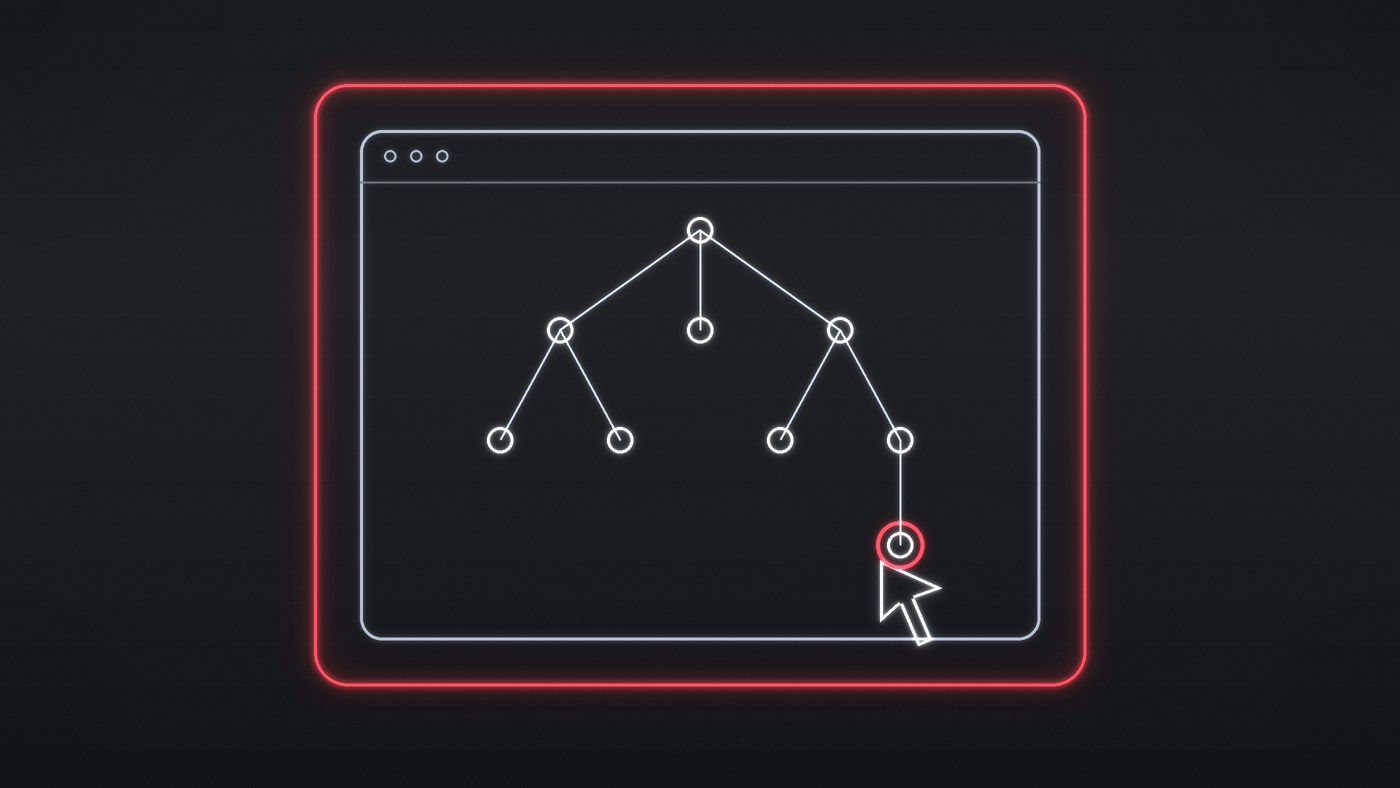
The repository describes it as a "Computer use CLI for AI agents": it reads a desktop application's accessibility tree, the structure the operating system exposes for screen readers, and returns it as JSON with a reference for each element that can be acted on. In plain terms: the agent works with an app's labelled buttons and fields, not guesses from pixels, and software that publishes no such list is invisible to it. That is the first thing to test on your own warehouse or plant software. The agent acts on a reference, reads the screen again to check the result, and repeats. The FAQ says the tool has no model inside, so the loop lives in whatever agent calls it, and that it does not automate web pages itself, though a documented launch option can start a Chromium or Electron app with a debugging port for a browser tool (see the risk section). It is written in Rust, licensed Apache-2.0, and runs on macOS 13 and later, Windows 10 1809 and later, and Ubuntu 24.04 and later. It is published under the vercel-labs organization on GitHub with a Vercel Labs badge; the README does not call it experimental or official, so we do not either.
How fast is it moving?
| Item | What we read on November 3, 2026 |
|---|---|
| Stars and forks | 12,306 stars and 847 forks on the repository's API; the counts change hourly |
| Latest release | v1.1.0, published on GitHub at 04:13 UTC on November 3 (the changelog dates it November 2) |
| Version history | First changelog entry 0.1.1 on February 23, 2026; 1.0.0 on October 27; 1.1.0 within a week |
| Breaking changes in 1.1.0 | Three listed in the changelog, including a new response format and a stricter rule that ambiguous targets return an error instead of an action; the changelog says macOS and Windows or Linux resolve references differently (see below) |
How does an agent drive it?
The documented loop is snapshot, act, verify. A snapshot of an app returns a tree; a command such as a click takes a reference that includes the snapshot's identifier, and a bare element number is rejected. The documents say references are not stable across interface changes and that missing, stale or ambiguous matches are rejected "instead of guessing". The README lists 60 command names, from reading elements and clicking to launching apps and using the clipboard. A screenshot command exists, but the FAQ says the main channel is the tree rather than pixels, and an application that publishes no accessibility tree "is not visible".
By default actions on a reference are headless: no cursor movement or focus change. A global flag turns on physical input and, in the concepts document's words, authorizes the action's focus and cursor preconditions. Not every command follows that rule: the keyboard documentation says an unscoped press, a keypress with no app target, does not need the flag, so "no flag" is not a guarantee of no physical input. Coordinate clicks exist too and need the flag. Commands that hold a key or button down refuse to run until a background process can release them.
The 1.1.0 changelog adds a point about references that matters for business records. On macOS a reference to a removed row returns a stale-reference error. On Windows and Linux, the changelog says a reference resolves only if it was unique when captured and exactly one element matches it now, and a reference to one of several identical controls is refused. The same entry notes that an identical element that replaced the original is acted on, without naming a platform. A reference that resolves is therefore not proof that the agent is looking at the same order, customer or shipment record as before.
How are permissions and safety modelled?
The permission layer is the operating system's. On macOS the process needs the Accessibility permission, and Screen Recording for screenshots. On Windows an agent at the terminal's integrity level cannot control elevated apps; observation can reach them but input does not land. The concepts document defines a few guards: a list of protected system processes the tool will not close, secret fields that must not appear in observations, a machine-wide lease so only one process drives input at a time, and sessions whose lookups are confined to a namespace. Each error also reports whether the action was delivered and whether a retry is safe, and the documents say to treat an unknown delivery state as not safe to retry automatically.
What the files we read do not show is as important. We found no mandatory prompt for a human to approve each action in the tool itself, no list of apps an agent may or may not touch, and no sandbox. The interaction lease, which allows one process at a time to drive input, covers dispatch only, not the waiting before it, and it is not a permission from the user. The security policy covers how to report vulnerabilities, and we found no threat model in it. Our inference, not the maintainers' statement: the boundary is the operating-system account and the permissions the process holds, which are broad within that account.
What do the maintainers say about risk?
- Private content. The README says snapshots, clipboard reads, screenshots and debug output can contain private desktop content, and the FAQ says redaction does not make a screenshot safe to publish. The scope is narrow: content is hidden once the operating system marks a field secret, trace lines redact fields such as text, value and name, and the traces documentation says session screenshots and the exported HTML that embeds them are not redacted. Our reading: ordinary customer addresses, order numbers and message text are not marked secret by the operating system, so do not assume they are hidden.
- Remote models and the optional helper. The native CLI needs no remote model service. A separate helper in the repository's skills folder, which the documentation says ships in no installed package, sends the goal and screen descriptions to an external service, by default api.typesafe.ai, with field values up to 60 characters unless a no-values option is used. It has a confirm-destructive option, but the destructive rating is a second model call and, by default, a destructive step at high target confidence runs unrated. It is an optional add-on, not a boundary of the CLI.
- Debugging port. A launch option can start a Chromium or Electron app with a DevTools port so a browser tool can attach. The documentation warns that while it is open, any local process of the same user can control the app's web contents; the option is loopback-only.
- Install integrity. The checksum file detects corrupted downloads but does not prove origin; a build attestation is the stated origin check. The Windows binary is unsigned.
- Open report. Issue 432, filed November 1 by one user on version 1.0.2, says a keypress sent without the headed flag or an app target reached the frontmost application. It has no maintainer reply, and we did not test whether 1.1.0 changes it. The keyboard documentation says an unscoped press needs no headed flag, so the open question is the gap between the general headless wording and that command, not a proven vulnerability. Treat it as an open report.
Do this today
Before anyone proposes letting an agent drive your software.
- Open your key business application and check whether a screen reader can read its buttons and fields; if not, an agent of this kind cannot see it.
- Decide which user account an agent would run under, and what that account has open.
- Write down which step a person must approve, and what record will show what the agent did.
What should you ask before giving an agent a desktop?
These questions are ours, for teams in logistics, sales, retail and industrial operations, and the repository is the evidence only for the facts above.
- Does the application you need to automate expose an accessibility tree at all? Try a snapshot before planning a project; some legacy warehouse, ERP and plant software may expose little, which is our assumption, so test it.
- Which user account does the agent run under, and what is open in that session: mail, CRM, banking, a live production console?
- What verifies the target after every action, and does the agent read the screen again before a step that changes state?
- Before your system retries a failed click, does it check whether the first one actually went through, so a repeated click cannot submit a second order or shipment record?
- Where do traces and snapshots land, who can read them, and are they sent to any model provider?
- Who pins the version and re-tests upgrades, given a minor release with breaking changes within a week of 1.0.0?
- Where does a person approve the irreversible step, and what record shows what the agent did?
How does it compare with other agents we have taken apart?
In our dsh-superagent teardown the maintainers say their wrappers are not a security boundary, and we read the operator's account as the practical boundary. Here the files point the same way without saying it in so many words. The projects differ in purpose and documentation, so compare the questions rather than the products.
What is still unknown?
GitHub's advisories page listed no published security advisories when we read it, which is not evidence that none exist. We did not read the benchmark folder or the site the homepage field points to, and we did not run the tool. We have no data on adoption, and we did not verify any daily star figure. This article reflects what was public on November 3, 2026.